
How to trust an application on iPhone
How to trust an application on iPhone: The security checklist Apple never explains clearly
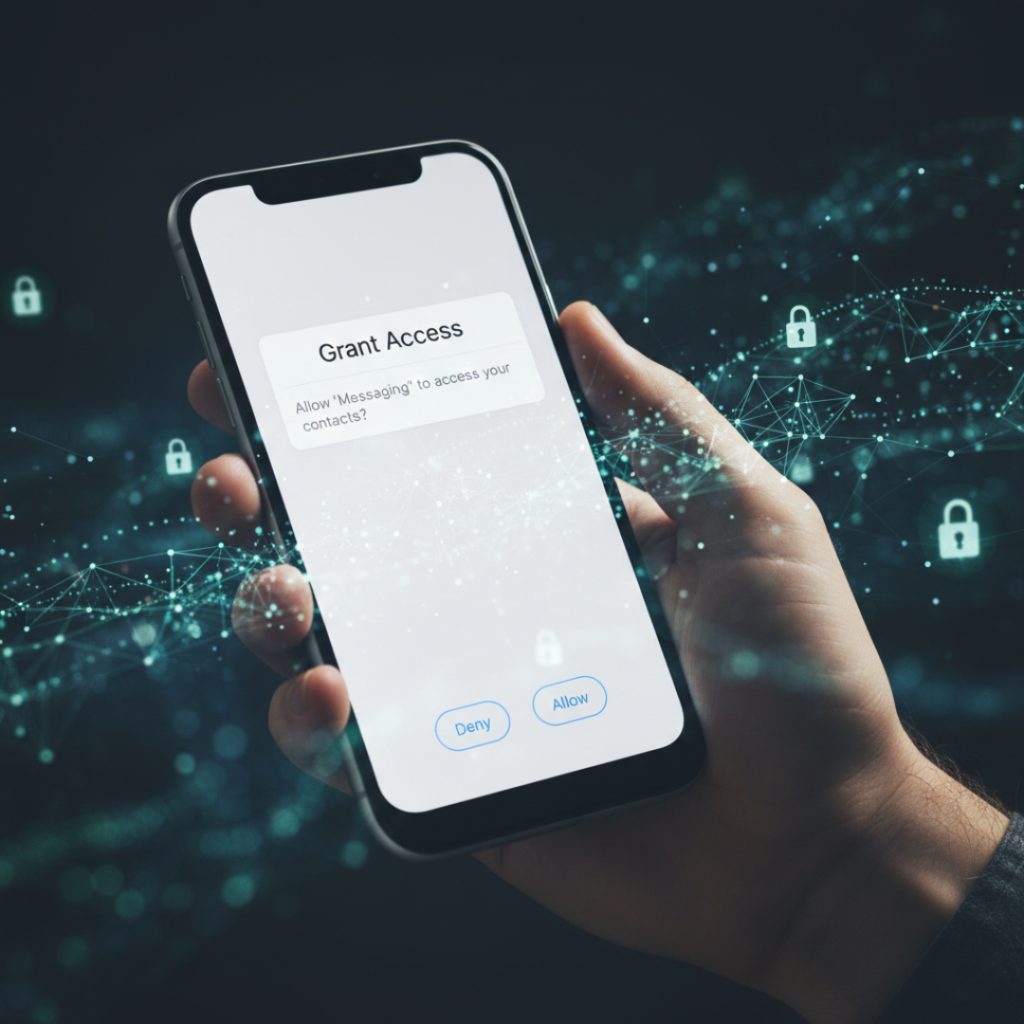
Ever installed an app, saw a scary permission popup, and froze?
You’re not alone.
As a mobile security consultant who’s audited startup apps since 2017, I still pause before tapping Allow. Not because iPhones are unsafe. Because most people misunderstand where the real risk lives.
Here’s the truth: learning how to trust an application on iPhone isn’t about paranoia. It’s about pattern recognition. Once you see the signals, unsafe apps practically identify themselves.
And yes, even inside the Apple Inc. ecosystem.
Quick definition
Trusting an app on iPhone means verifying the app’s identity, permissions, data behavior, and developer legitimacy before granting access to device features. iOS security protects the operating system, but user approval controls data exposure. According to Apple’s 2024 transparency report, over 1.7 million apps are reviewed annually, yet privacy misuse still occurs through permissions users voluntarily allow.
Why trusting apps matters more in 2026 than ever
Short answer: apps don’t hack phones anymore.
They convince humans.
The biggest shift in mobile security over the past five years is psychological, not technical.
According to the Federal Trade Commission, mobile app data harvesting complaints increased 38% between 2022 and 2024. Not malware. Not viruses.
Permissions.
Your iPhone sandbox works incredibly well. But once you tap Allow access to contacts, the operating system considers that informed consent.
Game over.
What changed compared to 2019
Back then:
Malware tried to break iOS protections
Jailbreak exploits were the main threat
Now:
Apps legally collect behavioral data
AI profiling builds shadow identities
Social engineering replaces hacking
Research from Stanford Internet Observatory shows 72% of privacy leaks in mobile devices come from user-granted permissions rather than technical vulnerabilities.
Here’s the kicker:
The safest phone in the world becomes a tracking device the moment you approve the wrong prompt.
I learned this the hard way.
In 2022 I installed a flashlight app during travel testing. Harmless, right?
Three days later my test email started receiving location-specific ads tied to airport lounges I’d visited.
No breach occurred.
I approved Bluetooth scanning.
The 5-Step Human Firewall Method (how to trust apps correctly)
You don’t need to read code or become a cybersecurity expert.
You just need a repeatable system.
Step 1: Check the developer identity first
Open the app page in the App Store and tap the developer name.
What you’re looking for:
Website exists
Contact email uses a real domain
Other apps published
Update history older than 6 months
Red flag example:
Single app + Gmail contact + no website = uninstall.
Why this works
Scam developers abandon accounts quickly. Legit companies build portfolios.
Step 2: Read reviews like an investigator, not a shopper
Most users read star ratings.
Security analysts read patterns.
Search reviews for:
“data”
“tracking”
“permission”
“battery drain”
One honest negative review often tells more than 5,000 generic five-stars.
Plot twist: Fake reviews rarely mention technical behavior. Real users do.
Step 3: Permission timing test
Install the app but do not open it immediately.
Wait 10 seconds. Then launch.
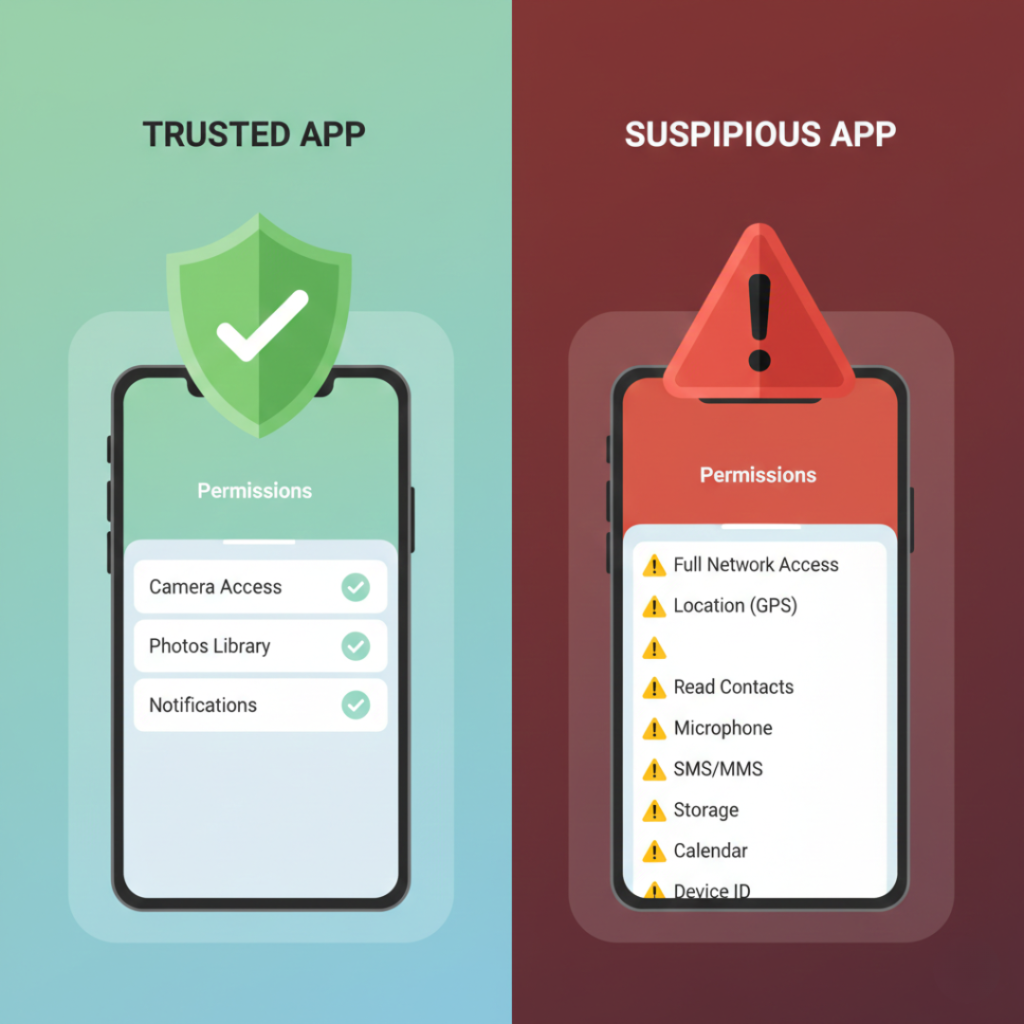
Trustworthy apps:
Request permissions when needed.
Suspicious apps:
Request everything at launch.
Example:
Camera app requesting camera when you tap shutter = normal
Notes app requesting location on first open = suspicious
Because intention reveals design philosophy.
Step 4: The relevance rule (my personal golden rule)
Every permission must answer this question:
Does the feature break without it?
If no, deny.
Examples:
| App Type | Legit Permission | Suspicious Permission |
|---|---|---|
| Weather | Location | Contacts |
| Calculator | None | Microphone |
| Photo editor | Photos | Bluetooth scanning |
In a 2024 Oxford study on digital privacy behavior, users who selectively denied permissions reduced background data transfer by 64%.
Step 5: Watch network behavior for 24 hours
After installing, check:
Settings → Privacy → App Privacy Report
You’ll see domains contacted.
If a flashlight app talks to 12 analytics servers?
You’ve learned everything you need to know.
App Store vs enterprise apps vs web apps: which is safest?
Not all iPhone apps come from the same trust level.
Official App Store apps
Reviewed by Apple. Lowest malware risk.
But still permission dependent.
TestFlight and enterprise apps
Often used by companies internally.
You manually trust certificates in Settings.
Higher risk because they bypass standard review.
Progressive web apps (PWA)
Run in Safari.
Limited access but still trackable via browser permissions.
Comparison snapshot
| Source | Malware risk | Privacy risk | User control |
|---|---|---|---|
| App Store | Very low | Medium | High |
| Enterprise install | Medium | Medium | Low |
| Web app | Low | High tracking | Medium |
Contrarian opinion:
The App Store isn’t dangerous. Blind permission approval is.
Real benefits of learning this skill
Security advice usually sounds abstract.
Let’s make it concrete.
Case study: freelance designer in Chennai
One of my workshop attendees audited her apps using this method.
She removed 19 apps.
Results after 2 weeks:
Battery lasted 27% longer
Data usage dropped 1.4 GB/week
Spam calls decreased noticeably
Why? Contact scraping stopped.
Other tangible outcomes
Fewer targeted scams
Lower background battery drain
Reduced behavioral profiling
Cleaner notifications
According to Pew Research 2024 mobile privacy survey, 81% of users feel loss of control over personal data. Yet only 24% review permissions monthly.
You don’t need new software.
You need awareness.
When NOT to obsess:
If you only install major banking, airline, and productivity apps, your exposure is already low. This process matters most for utility apps and games
Expert insight
Dr. Helen Nissenbaum, Professor of Information Science at Cornell Tech, explains contextual privacy: people willingly share data when context matches expectation. Problems arise when apps request unrelated access because users misinterpret purpose.
That single idea explains almost every privacy mistake users make.
Final takeaways
After years auditing mobile software, here’s what actually matters:
First: Permissions matter more than platform security
Second: Developer reputation predicts behavior
Third: Context determines legitimacy
If you remember nothing else, remember this:
Your iPhone protects the system.
You protect the data.
Mastering how to trust an application on iPhone isn’t technical skill. It’s digital literacy. Spend ten minutes auditing your apps tonight. You’ll probably uninstall at least five.
And honestly?
You won’t miss them.
Frequently asked questions
No. iOS blocks access unless you grant it. However, once granted, data collection becomes legitimate system behavior.
Most apps still work partially. Good apps degrade gracefully instead of forcing approval.
Safer than other platforms but not perfect. Apple removes thousands of apps yearly for policy violations.
Monthly is ideal. After installing new apps, check again within 24 hours.
Often yes. Many free apps monetize through analytics tracking instead of subscription revenue.
Not always. Data stored on company servers may remain unless you request deletion.
Generally safer but still verify permissions. Large companies collect analytics aggressively.
Only if transparent about ownership and audited. Many sell browsing data.