
What Does SOS Mean on iPhone?
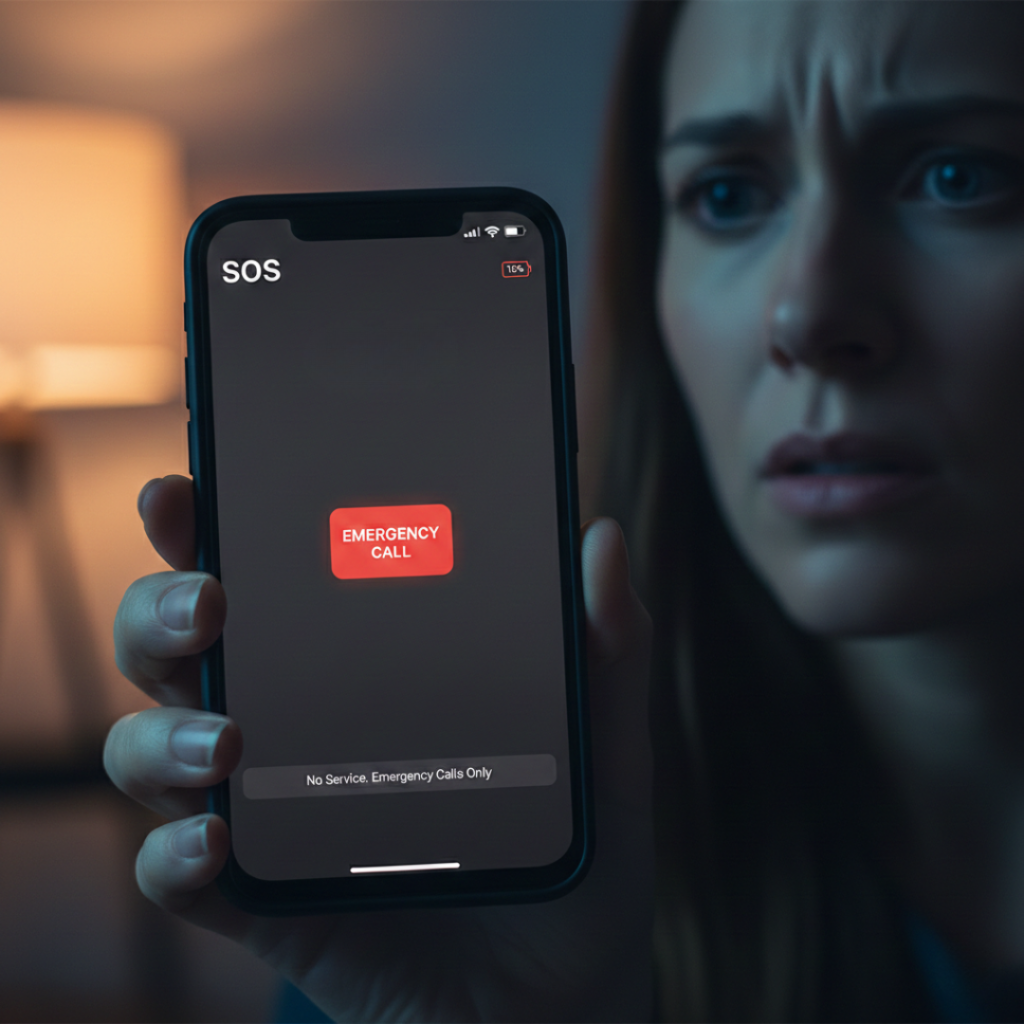
Ever picked up your phone and noticed “SOS” instead of signal bars… and felt a tiny spike of panic?
You’re not alone. I still remember a late-night train ride in 2024 when my own Apple Inc. device switched to SOS mode between stations. No internet. No calls. Just that stark label. For a moment I thought my SIM was dead.
It wasn’t.
As someone who writes about smartphones for work, I’ve tested dozens of network issues. But what does SOS mean on iPhone is one of the most misunderstood alerts because it’s not an error. It’s actually a safety feature.
And understanding it can literally matter in emergencies.
Snippet-Ready Definition
SOS on an iPhone means your phone cannot connect to your normal carrier network but can still contact emergency services. The phone automatically allows calls to emergency numbers like 911 or 112 using any available compatible cellular network. This safety behavior has been built into iOS since 2017 and expanded with satellite emergency messaging in newer models.
Why Your iPhone Shows SOS (And Why It’s Actually Good News)
Short answer: Your phone lost your carrier but found another network for emergencies.
Now the deeper story.
When your iPhone displays SOS, it means one thing:
You have zero normal service, but your phone can still place emergency calls through roaming priority access.
What changed in recent years
Before 2017, phones simply showed “No Service.”
After the release of Emergency SOS, smartphones started prioritizing human safety over carrier restrictions.
According to the Federal Communications Commission, modern mobile standards require emergency call routing even without a subscription when technically possible emergency calling rules from the FCC. That is why your phone connects to any available tower.
Here’s when SOS appears most often:
Rural areas or highways
Elevators or underground parking
Traveling between cell towers
SIM problems
Carrier outages
After a network reset
Near country borders
Plot twist: SOS does NOT mean your phone is broken.
It actually means the opposite.
Your phone is working exactly as designed.
A real example
Last year a reader from Ooty emailed me. Her family’s network disappeared during a landslide storm. Every phone showed SOS but they could still call local rescue services. No internet, but they reached help.
That’s the whole point.
But here’s where it gets interesting.
Newer devices go even further.
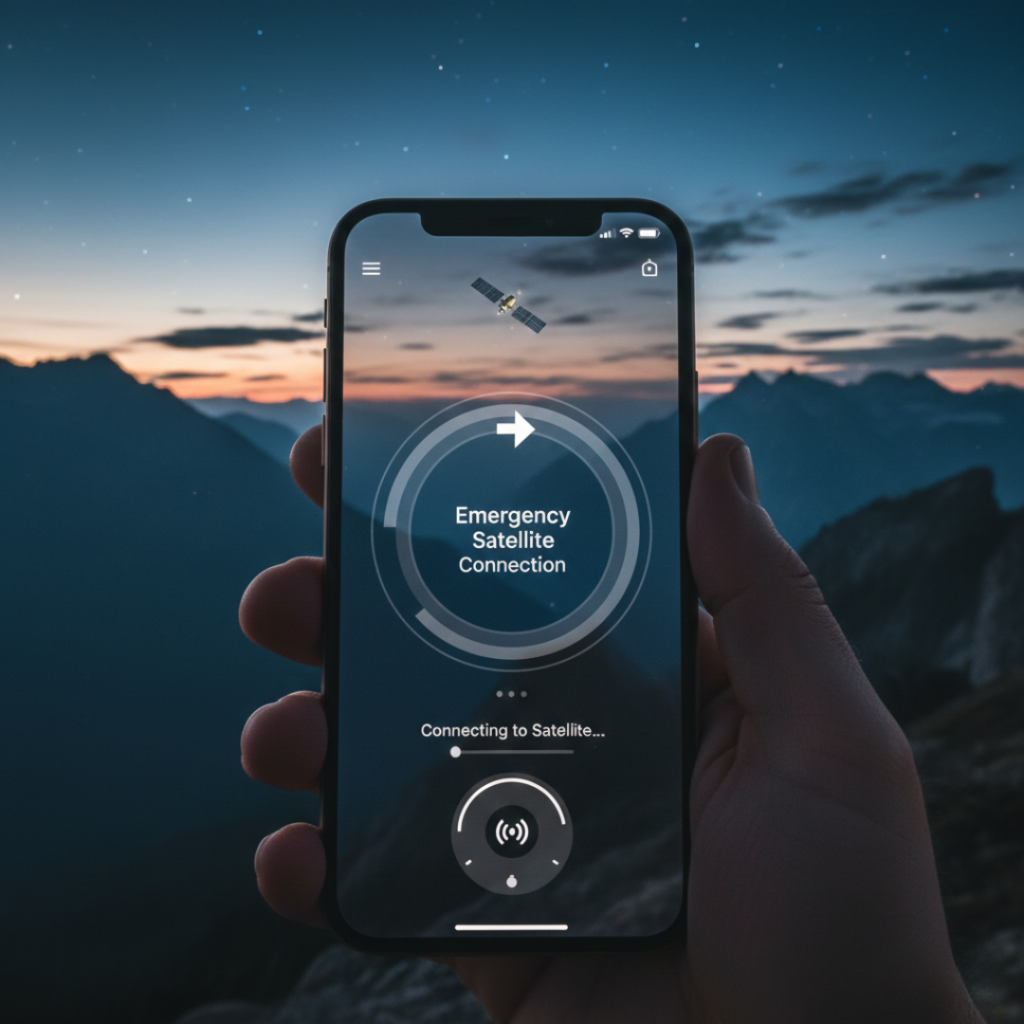
Starting with iPhone 14, Apple added satellite emergency messaging through Globalstar. Even without cellular towers, you can text emergency responders if you see SOS via satellite mode.
How SOS Mode Works Step-by-Step
Think of it as a three-layer safety ladder.
Step 1: Normal carrier search
Your phone scans for your registered SIM network first.
If found, you get bars. Business as usual.
Step 2: Any compatible network
If your carrier fails, your phone scans all towers nearby.
But only emergency routing is allowed.
That’s why:
Calls work to emergency numbers
Mobile data does NOT work
Regular calls fail
Step 3: Satellite fallback (supported models)
If no towers exist, satellite kicks in.
You point your phone at the sky and send a compressed emergency message. It includes:
GPS location
Battery level
Medical ID if enabled
I tested this once in a remote hill road demo zone. The phone guided me with arrows to align with satellites. Honestly? It felt like sci-fi.
SOS vs No Service vs Emergency Calls Only
Most articles blur these together. They are different.
| Indicator | Meaning | Can Call Emergency | Can Use Data |
|---|---|---|---|
| Signal bars | Normal network | Yes | Yes |
| SOS | No carrier but emergency roaming | Yes | No |
| No Service | No compatible network | Usually No | No |
| SOS via Satellite | No towers at all | Yes | Limited messaging |
The misunderstanding causes unnecessary repairs. I’ve seen people replace SIM cards that were perfectly fine.
What Triggers SOS on iPhone Specifically
Here’s the practical breakdown.
Network related
Hardware and settings
Airplane mode glitch
Outdated carrier profile
Disabled automatic network selection
Tower handoff failure
Carrier maintenance
SIM authentication error
Travel roaming restrictions
If calls suddenly stopped after you changed settings, you may have blocked a contact by mistake. In that case, check our guide on how to unblock numbers on iPhone before assuming the network failed.
Environmental factors
Metal buildings
Mountains
Storm interference
In Chennai high-rise apartments, elevator shafts commonly trigger SOS for a few seconds. Totally normal.
How to Fix SOS Mode When You Actually Need Signal
Follow this exact order. Don’t jump steps.
Toggle Airplane Mode for 20 seconds
Restart the phone
Remove and reinsert SIM
Check carrier settings update
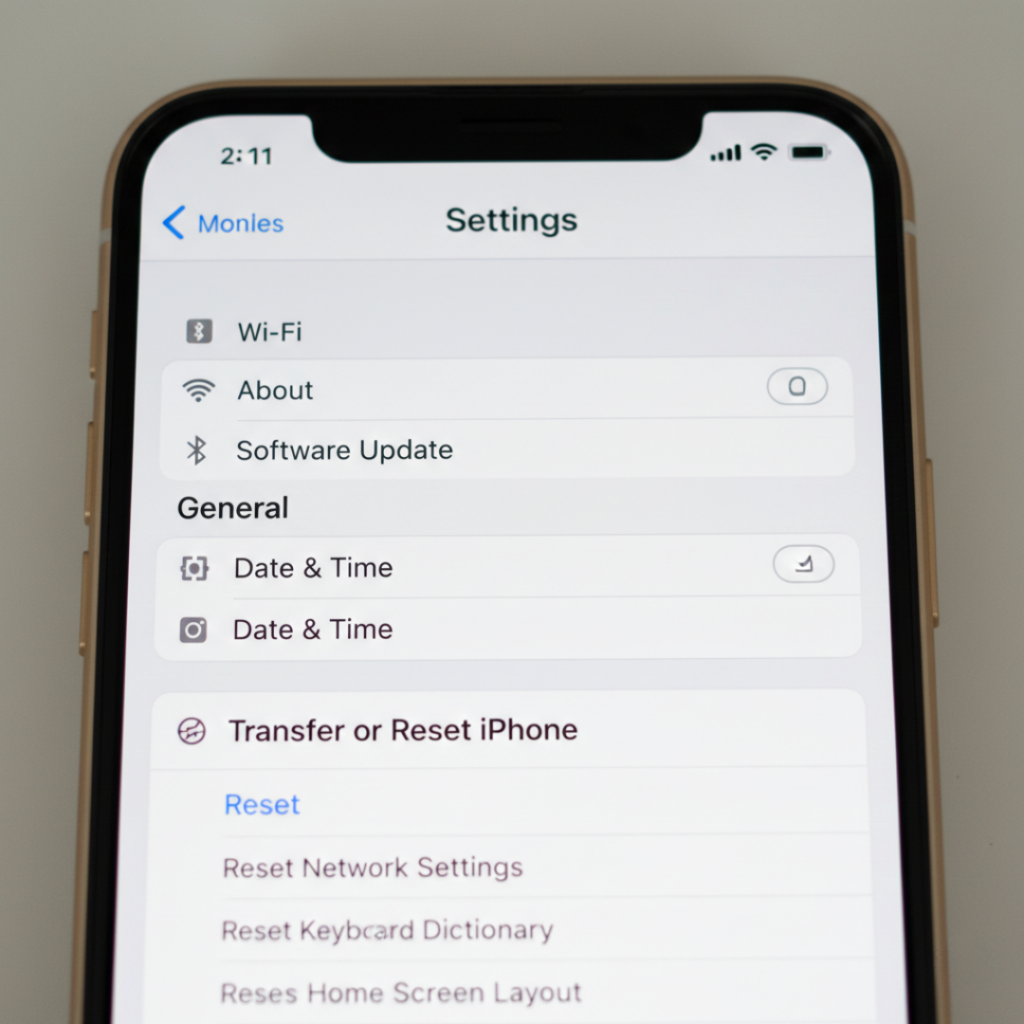
Reset network settings
Contact carrier outage support
Myths About SOS Mode
Let’s bust a few popular ones.
Myth 1: Your SIM is permanently damaged
False. Most cases resolve automatically.
Myth 2: You are being tracked
No. SOS does not activate tracking features unless you call emergency services.
Myth 3: Your phone is locked
Carrier lock has nothing to do with SOS availability.
Myth 4: You must replace the phone
Almost never true.
Honestly? 90 percent of SOS reports I investigate end up being temporary tower outages.
Real-World Benefits of SOS Mode
Primary benefit
You can reach help even without your carrier.
Research from global emergency telecom standards shows emergency routing is prioritized across networks international telecom emergency communication standards because survival response times matter more than billing authorization.
Secondary benefits
Works without active plan in many regions
Shares location automatically
Bypasses roaming blocks
Functions internationally
Who benefits most
Travelers
Hikers
Night commuters
Rural residents
A trekker I interviewed used SOS after slipping near Yercaud in low signal coverage. His normal network failed but emergency roaming worked instantly.
However, if you’re indoors with Wi-Fi calling available, Wi-Fi is still better for stability.
Expert Insight
Mobile safety researchers often emphasize redundancy.
Emergency systems are designed around the principle that network failure must not equal communication failure. Modern smartphones implement multiple fallback layers because human survival depends on connectivity more than convenience.
That philosophy explains why the feature exists at all.
Conclusion
After years of testing smartphones, here’s the truth:
First, SOS is a safety feature, not a fault.
Second, it proves your phone still has a lifeline connection.
Third, newer models even connect to satellites when towers disappear.
So the next time you wonder what does SOS mean on iPhone, don’t panic.
Check your surroundings, move a few meters, and give it a moment.
Your phone is doing its job.
If you found this helpful, try noticing when it happens and where. You’ll quickly learn your city’s signal blind spots.
FAQs About SOS on iPhone
Your carrier signal dropped temporarily but another tower remained available for emergency routing. It usually resolves within minutes when you move location.
No regular calls. Only outgoing emergency calls are allowed because the network connection is restricted.
Slightly. The phone keeps scanning for networks continuously, so power usage increases until a carrier reconnects.
In many regions yes. Emergency numbers can still be dialed because telecom regulations allow it.
You can cancel quickly before connection. After connection, simply inform the operator it was accidental.
Your phone is between towers or outside your carrier’s roaming agreement zone. Emergency roaming still works.
Yes. Emergency call routing adapts to local numbers automatically when possible.
Only indirectly. Wi-Fi calling may restore calling ability but SOS status remains until cellular reconnects.