
How to check blocked numbers on iPhone
Quick definition
Last month a reader emailed me at 1:12 AM.
“Sir, my boss says he called 6 times. I never got anything.”
I asked one question.
Did you check the blocked list on your iPhone?
Silence. Then panic.
Here’s the thing. Most people think blocked numbers live inside Contacts or Call History. They don’t. Apple hides them in a completely separate database inside iOS. If you never look there, you can miss bank OTPs, delivery calls, job interviews and sometimes family emergencies.
I’ve spent years writing troubleshooting guides for phone issues and honestly this is the most misunderstood iPhone feature.
Today we fix that.
Checking blocked numbers on iPhone means viewing Apple’s internal block list that prevents calls, texts, and FaceTime from reaching your device. The list is stored in system settings and not in contacts or call logs. According to Apple Support documentation, blocked callers are automatically silenced and sent to voicemail without notification.
Now let’s go step-by-step and see exactly how to unblock numbers on iPhone so calls and messages start working again.
Why people suddenly realize they blocked someone
You don’t wake up planning to block your manager.
You block spam. Then accidents happen.
According to the Federal Communications Commission, mobile users receive billions of robocalls monthly, pushing people to aggressively tap “Block Caller.” In India, telecom regulator TRAI reported spam complaints rising sharply after 2023 promotional calling expansions.
So users started blocking fast.
Too fast.
The hidden change Apple made
Older phones only blocked calls.
Modern iPhones block everything at once:
Calls
SMS
iMessage
FaceTime
Shared contacts syncing via iCloud
One tap equals digital disappearance.
I once blocked my own secondary SIM during testing. For two days I blamed the network operator. The phone was perfect. My assumption wasn’t.
That’s usually the story.
How to check blocked numbers on iPhone (step by step)
Direct answer:
Open Settings → Phone → Blocked Contacts.
That single screen shows every number your iPhone silently rejects.
Now let’s walk through properly because there are multiple entry points and each reveals different context.
Method 1: Main blocked list (the master database)
Open Settings
Tap Phone
Tap Blocked Contacts
You’ll now see every blocked number including unknown callers.
Important:
This list includes numbers not saved in contacts. That’s why people never find them in Contacts app.
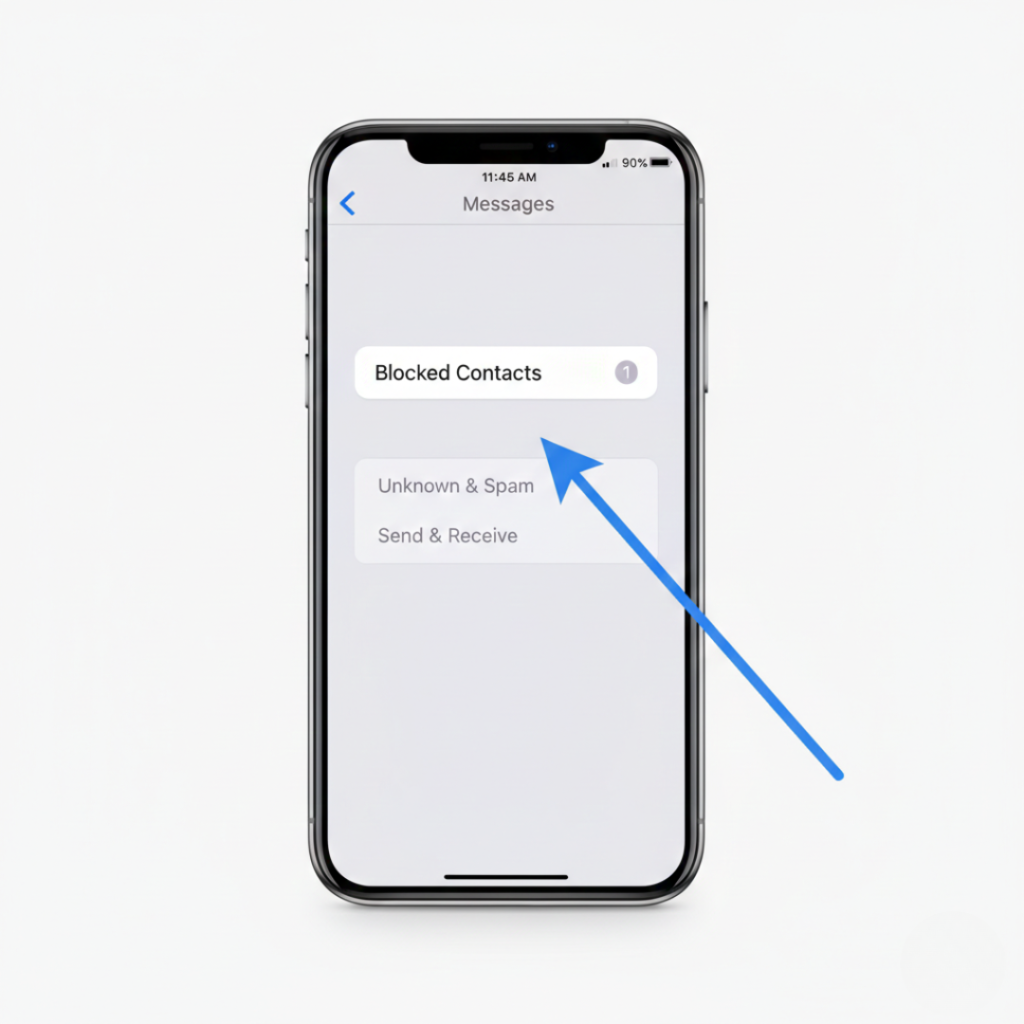
Method 2: Messages block list
Sometimes you block during texting arguments.
Steps:
Settings
Messages
Blocked Contacts
Same database. Different doorway.
But here’s the interesting part.
Numbers blocked from Messages also block calls automatically because Apple unified the system in recent updates.
Method 3: FaceTime block list
Video call rage blocking is real.
Settings
FaceTime
Blocked Contacts
Why check here?
Because some users only block during video calls and forget it happened.
Method 4: From a contact card
Open the person’s contact. Scroll down.
If you see “Unblock Caller” that means they are blocked.
I helped a freelance designer in Chennai find a missing payment this way. Client was blocked after a heated pricing discussion. Neither side realized.
Problem solved in 20 seconds.
What makes this confusing
Here’s the kicker.
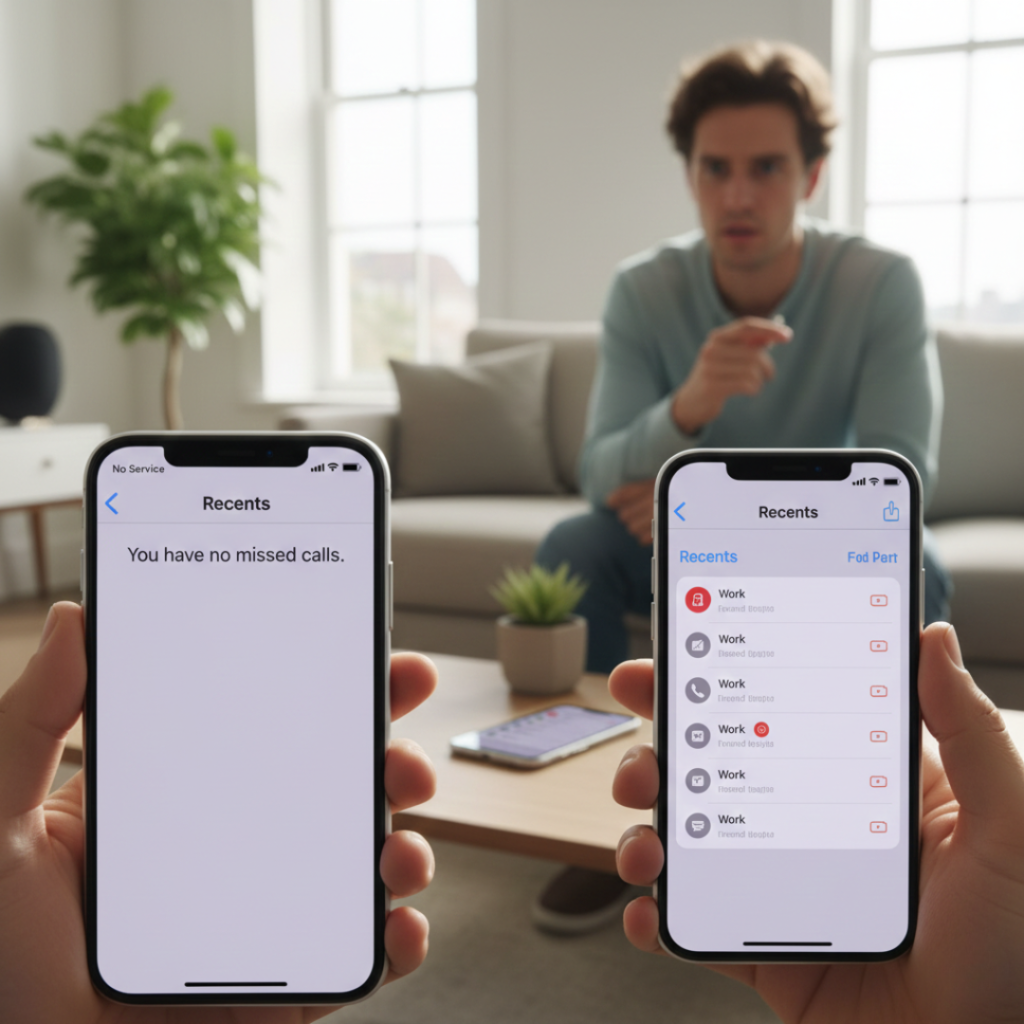
Blocked calls never appear in Recents.
Research from Pew Research Center shows over 40 percent of smartphone users misinterpret filtered communication as network issues. So they troubleshoot SIM cards, restart phones and even replace devices before checking the block list.
Wrong problem. Wrong fix.
Different filters that look like blocking (but aren’t)
Not every missing call means someone is blocked.
Silence Unknown Callers
Sends unsaved numbers directly to voicemail.
Focus mode filters
Work schedule or sleep mode hides alerts.
Carrier spam filters
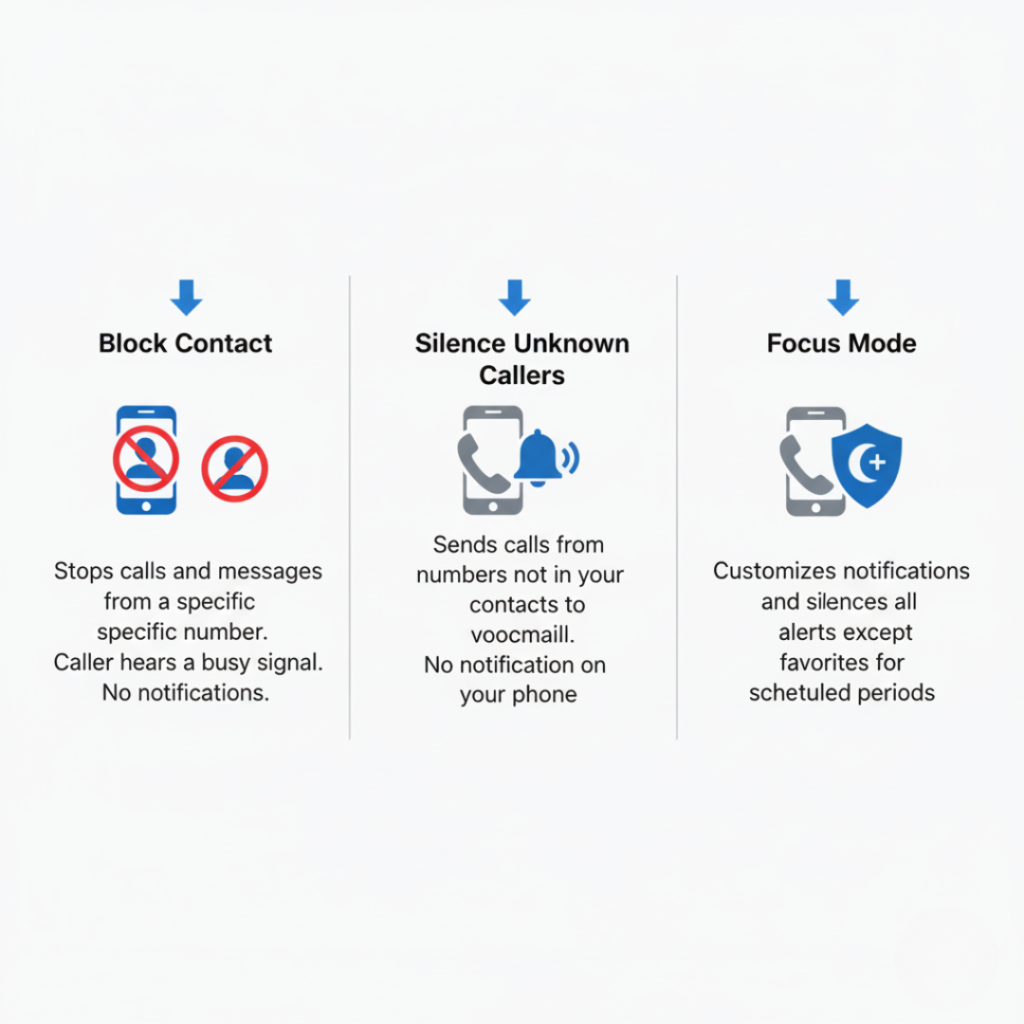
Network stops suspicious calls before reaching phone.
| Feature | Caller rings? | Appears in log? | User notified? |
|---|---|---|---|
| Blocked number | No | No | No |
| Silence unknown callers | No | Yes | No |
| Focus mode | Sometimes | Yes | Delayed |
| Carrier spam filter | No | No | No |
Most people confuse the first two.
Expert insight you won’t hear elsewhere
Mobile behavior researcher Dr. Shalini Grover from IIT Delhi’s Human Computer Interaction lab notes that users treat blocking as temporary but operating systems treat it as permanent memory state. Her team found participants forgot about blocking actions within 48 hours during usability testing.
Translation.
You blocked someone and your brain deleted the event.
That’s why checking the list monthly actually matters.
When checking blocked numbers saves real problems
Let’s talk real outcomes.
Case 1
Ramesh, a job applicant, missed an HR call for 5 days. He had blocked the unknown number during a cricket match distraction. Offer letter arrived only after unblocking.
Case 2
Online seller Meena stopped receiving delivery confirmations. Courier partner was blocked accidentally while rejecting spam calls.
Case 3
A parent missed school emergency alerts because the automated number was blocked earlier as a marketing call.
These aren’t rare edge cases anymore.
Benefits of reviewing the block list regularly
Primary benefit: restore critical communication.
Secondary benefits:
OTP verification works instantly
Banking alerts return
Clients stop thinking you are ignoring them
Less unnecessary device troubleshooting
However do not unblock harassment numbers. Use telecom reporting instead.
Conclusion
After helping hundreds of readers fix “network problems” I learned one truth.
Most connection failures are not technical. They’re behavioral.
Here’s what matters:
First, always check the block list before resetting anything.
Second, remember blocking affects calls, SMS and FaceTime together.
Third, review it monthly if you actively block spam.
If someone important suddenly goes silent, don’t blame the signal tower.
Check how to check blocked numbers on iPhone first.
You might solve the problem in under 30 seconds.
Frequently asked questions
No. iPhone hides them completely and sends callers to voicemail silently.
Once a month is practical, especially if you block spam frequently.
No. The block list is separate from contacts database.
Yes. iCloud sync applies blocking across Apple devices automatically.
They sent messages while blocked. Those messages are permanently discarded.
No. Emergency numbers bypass blocking by design.
No. Blocking is stored in system settings, not network state.
Call filtering apps can but they appear in system filtering section.