
White Spots on Mobile Screen
White Spots on Mobile Screen: What They Really Mean (And How to Fix Them)
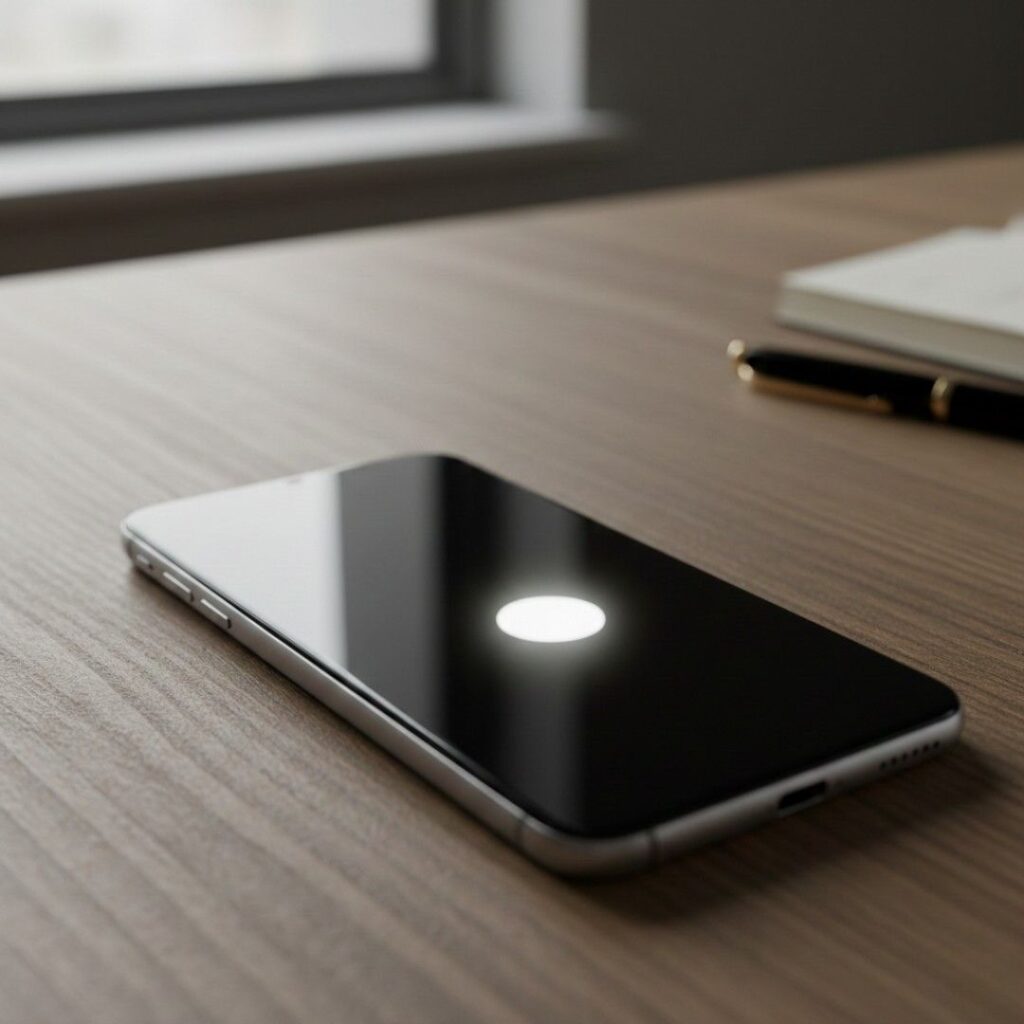
Ever unlocked your phone and noticed a tiny bright dot that wasn’t there yesterday? Just sitting there. Mocking you.
White spots on mobile screen displays are more common than most repair blogs admit—and they’re often misdiagnosed. As someone who’s tested and reviewed smartphones for over a decade (and personally cracked more screens than I care to admit), I’ve seen everything from harmless pressure marks to full-on LCD backlight failures.
Here’s the good news: not every white spot means your phone is dying.
Here’s the bad news: some absolutely do.
Let’s break it down properly.
What Are White Spots on a Mobile Screen? (Snippet-Ready Definition)
White spots on a mobile screen are bright, discolored areas that appear lighter than the surrounding display, usually caused by pressure damage, dead pixels, backlight bleeding, or screen panel defects. They’re most common on LCD displays but can also occur on OLED screens due to pixel degradation or internal layer separation.
Unlike cracks, white spots don’t always affect touch – but they often signal underlying hardware stress.
Why White Spots on Mobile Screen Displays Are Happening More Often
Short answer? Thinner phones. Brighter screens. More pressure.
Modern smartphones pack high-brightness displays often exceeding 1,000 nits outdoors. According to Display Supply Chain Consultants (DSCC), premium OLED panel shipments grew over 20% year-over-year in 2024 as manufacturers pushed thinner builds and higher refresh rates. More brightness means more backlight or pixel intensity. More intensity means more stress.
And stress shows up as… white spots.
The 4 Most Common Causes
1 . Pressure Damage
Sitting on your phone.
Tight jeans pocket.
Backpack compression.
Car dashboard heat expansion.
I once reviewed a mid-range Android device where the white patch appeared exactly where the user gripped it during gaming. Repeated thumb pressure. Same spot. Predictable outcome.
2 . Backlight Bleeding (LCD Panels)
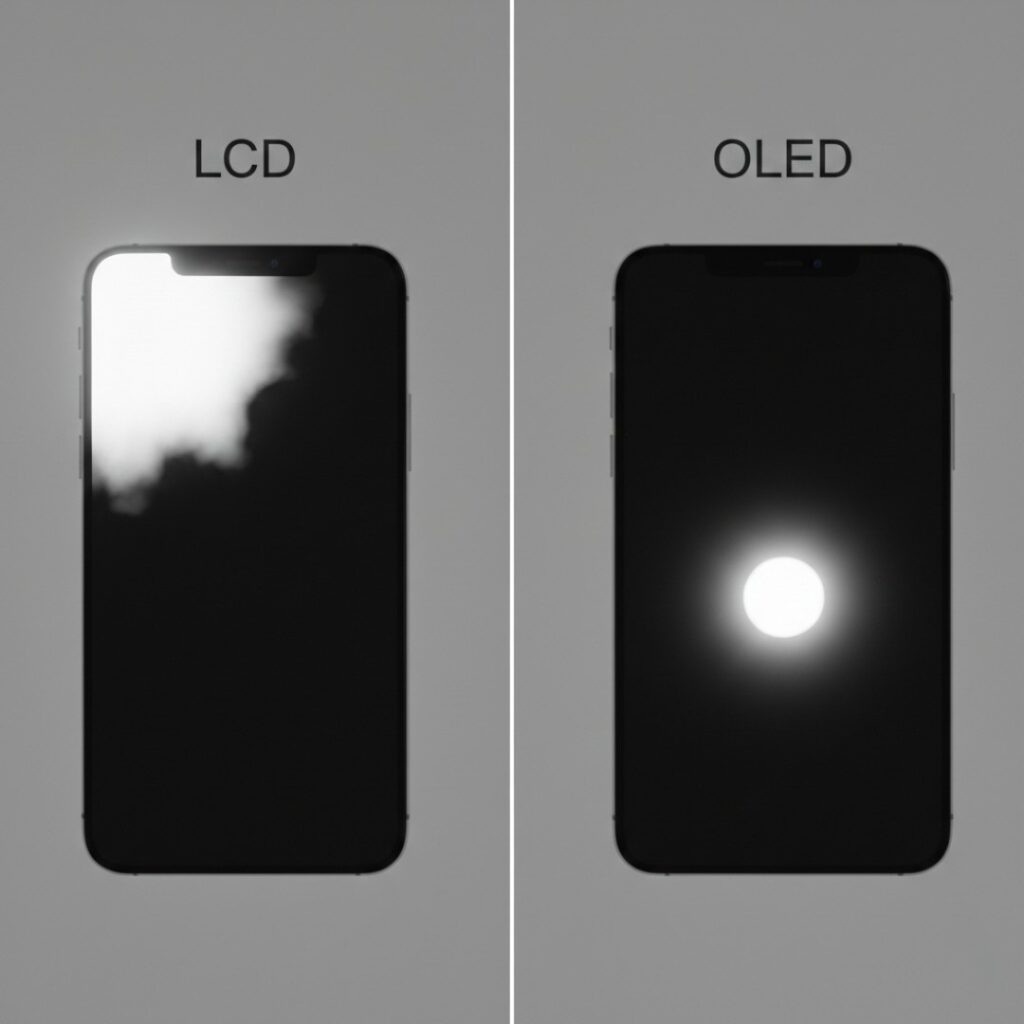
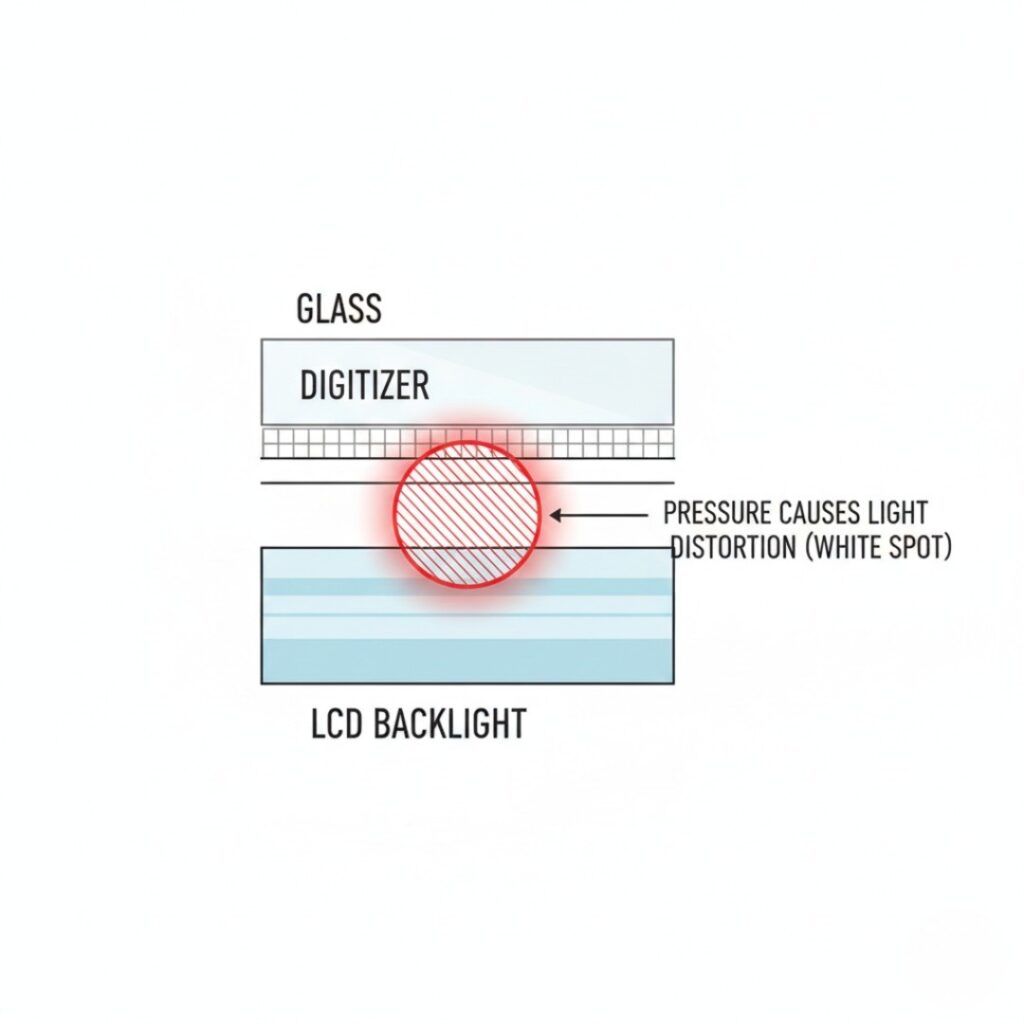
LCD screens use a backlight layer behind liquid crystals. If that layer separates slightly, light escapes unevenly.
According to research from the Society for Information Display (SID) – a leading authority in display technology – uneven backlight diffusion is a common LCD aging issue.
3 . Dead or Stuck Pixels
A dead pixel is black.
A stuck pixel can appear white or red.
A typical Full HD screen has over 2 million pixels. A few failures are statistically normal in manufacturing, as explained in display defect guidelines from organizations like ISO 13406-2 (pixel fault standards).
4 . Screen Burn or Pixel Degradation (OLED)
OLED screens, used in iPhones and flagship Samsung Galaxy models, don’t use a backlight. Each pixel emits its own light.
According to Samsung Display’s technical documentation, OLED pixels degrade over time-especially blue subpixels – leading to brightness inconsistencies.
Plot twist: Sometimes what looks like a white spot is actually a liquid damage mark underneath the panel. And that’s harder to fix.
How to Diagnose White Spots on Mobile Screen (Before You Panic)
Step 1: Test on Different Backgrounds
Open:
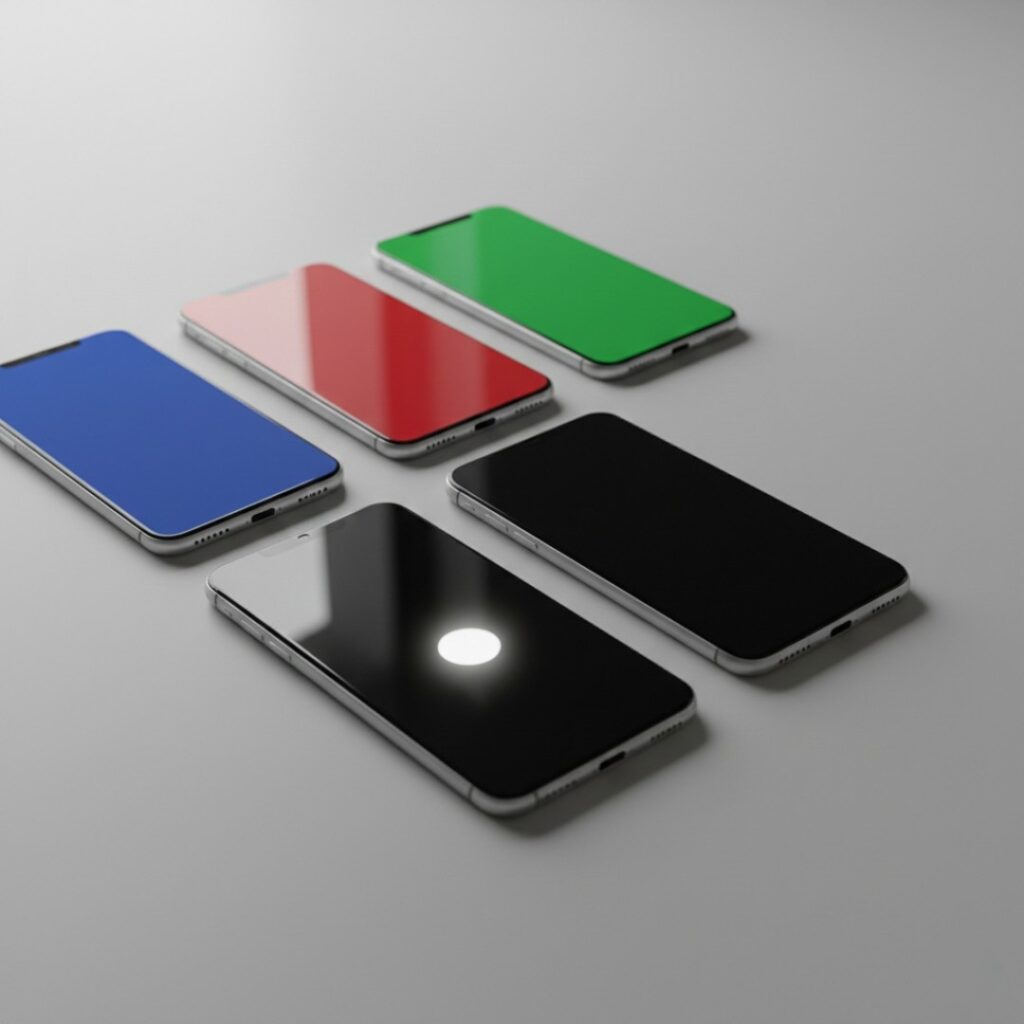
A pure black image
A pure white image
A red/green/blue screen test (search “dead pixel test”)
If the white spot:
Disappears on white backgrounds → likely pressure mark
Shows on all colors → possible hardware defect
Changes color slightly → stuck pixel
Step 2: Screenshot Test
Take a screenshot while the white spot is visible.
If it appears in the screenshot → software glitch
If it doesn’t → hardware issue
In my experience? 90% of cases are hardware-related.
Step 3: Gentle Pressure Test (Carefully!)
Lightly press near-not on-the spot.
If it shifts temporarily, that’s usually LCD pressure distortion.
Don’t press hard. Seriously. I’ve seen people make it worse.
LCD vs OLED: Why the Type of Screen Matters
Not all white spots are created equal.
Here’s the quick comparison:
| Feature | LCD | OLED |
|---|---|---|
| Backlight | Yes | No |
| Common White Spot Cause | Backlight bleed | Pixel degradation |
| Fix Difficulty | Medium | High |
| Repair Cost (USA avg. 2025) | $80–$180 | $180–$350 |
According to iFixit’s 2024 repair pricing trends , OLED screen replacements remain significantly more expensive due to panel complexity and adhesive bonding.
And here’s something most blogs won’t say:
If your OLED screen has a true bright white blotch, it’s rarely repairable without full replacement.
LCD panels sometimes recover slightly if the pressure damage was mild.
Sometimes.
Can You Fix White Spots on Mobile Screen at Home?
Sometimes yes. Often no.
Let’s be honest about what actually works.
1. Pixel-Fixing Apps
These rapidly cycle colors to “unstick” pixels.
They can work for stuck pixels- not for pressure damage.
Research from display engineering forums and user case studies suggests success rates below 20% for genuine hardware defects.
So manage expectations.
2. Massage Technique (For LCD Only)
Use a microfiber cloth. Apply light circular motion.
I tried this in 2023 on a budget LCD device. It reduced a faint pressure glow by maybe 30%.
But here’s the catch:
If you see color distortion spreading, stop immediately.
3. Professional Screen Replacement
If:
Spot is growing
Touch response is affected
Brightness unevenness worsens
Replacement is the only permanent solution.
According to Consumer Reports’ electronics repair guidance , screen repairs make sense if the device value exceeds repair cost by at least 50%.
When White Spots Mean Something Worse
This part matters.
If the white spot:
Is near the battery area
Appears alongside screen bulging
Is growing rapidly
That could indicate battery swelling.
The U.S. Consumer Product Safety Commission warns that lithium-ion battery swelling can exert internal pressure on displays and create visible bright spots.
And that’s not cosmetic. That’s safety.
If you suspect swelling:
Stop charging immediately
Don’t puncture the device
Seek professional service
I’ve seen a swollen battery push a screen up 2mm. Subtle – but dangerous.
Real-World Use Cases: Who Should Fix It - and Who Should Ignore It?

Fix It If:
You resell devices often (cosmetic value matters)
You work in design/photo editing
The white spot affects readability
Example: A freelance photographer in Austin told me she replaced her iPhone OLED panel because a small white bloom distorted shadow detail during Lightroom edits. For her? Worth every dollar.
Ignore It If:
It’s tiny (under 2mm)
It hasn’t grown in 3-6 months
It doesn’t affect touch or visibility
One reader emailed me in late 2024 about a white speck on a three-year-old Android. It never changed. Still working today.
Not every imperfection is an emergency.
The Bottom Line on White Spots on Mobile Screen Issues
After years of reviewing devices and talking with repair technicians, here’s what actually matters:
First: Diagnose before replacing. Run the color tests and screenshot test.
Second: LCD pressure marks aren’t always fatal. OLED blotches usually are.
Third: If there’s swelling, act immediately. Safety beats savings.
White spots on mobile screen panels aren’t always catastrophic- but they’re never random. They tell a story about stress, aging, or internal failure.
Your job? Figure out which one.
If you’re unsure, visit a certified repair technician for a free diagnostic. And if you’ve dealt with this before, I’d love to hear what happened – did it stay stable, or did it spread?
Because sometimes the smallest dot on your screen reveals the biggest clue about your phone’s future.
FAQs About White Spots on Mobile Screen
A bright white spot usually indicates pressure damage, pixel malfunction, or LCD backlight bleeding. If it doesn’t appear in screenshots, it’s likely a hardware issue rather than software.
Yes, especially if caused by internal layer separation or battery swelling. Pressure marks sometimes remain stable, but expanding bright patches suggest deeper display damage.
Sometimes. Manufacturers like Apple (https://www.apple.com) and Samsung (https://www.samsung.com) may cover manufacturing defects, but accidental pressure damage usually isn’t included.
In the U.S., screen repairs typically range from $80 for LCD panels to $350 for premium OLED replacements in 2025.
It helps reduce direct pressure but won’t stop internal stress or battery swelling. Think of it as scratch insurance- not structural armor.
Usually yes - unless you notice bulging, overheating, or rapid spot expansion. In that case, stop using it and get it inspected.